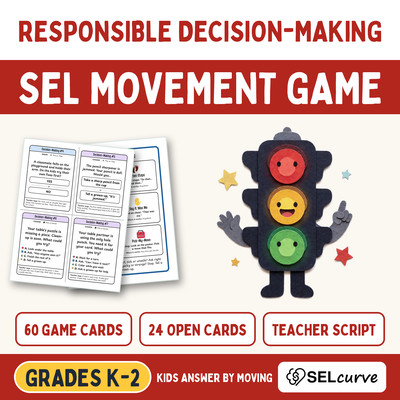
Paid·Grades K–2·Responsible Decision‑Making·Brain Breaks
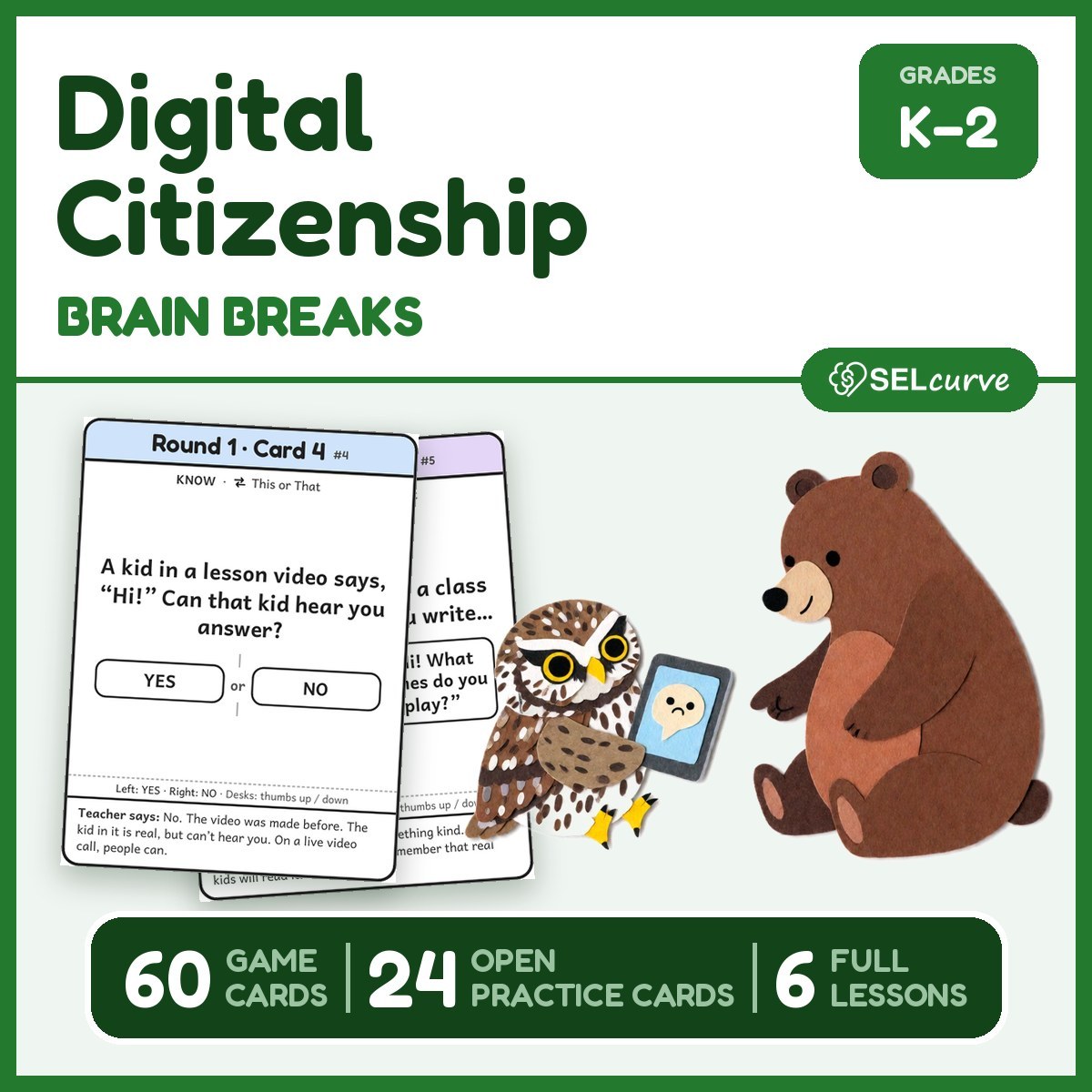
Digital Citizenship Brain Breaks
- 60 game cards
- 24 Open Practice Cards
- Printable
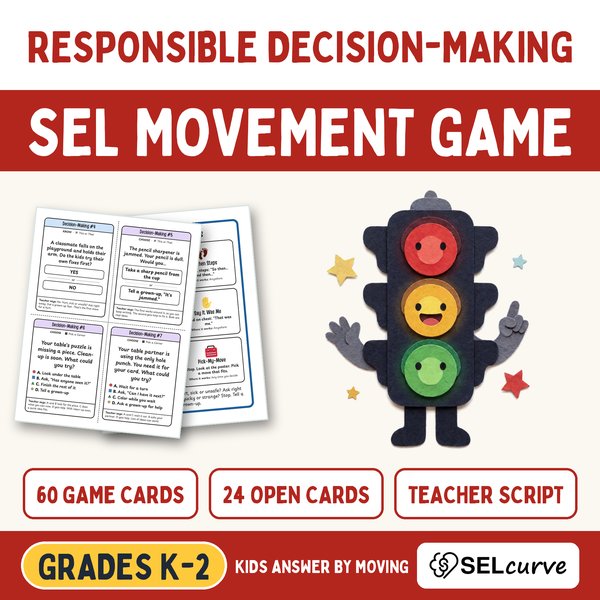 Free with a free accountDecision-Making Brain Breaks24 Open Practice Cards · 60 game cards · Printable
What a free account gives you
- 71 free resources across all five SEL areas, ready to print
- Digital activities: post them in Google Classroom or Teams. Any device · No student logins
- A planner and collections to keep your SEL week organized
- Grades
- K–2
- What you get
- 60 game cards, ten for each of the 6 rounds
- Type
- Brain Breaks
- Use it
- PrintView & Print in your browser
- Competency
- Responsible Decision‑Making
About this resource
Built around pretend school screens, these digital citizenship brain breaks for Grades K–2 pair 60 game cards in six 15–20 minute lessons with 24 Open Practice Cards for a 3-minute break. Children stand up if they have ever watched a video at school, walk to YES or NO to decide whether a classmate’s password is okay to log in with, and pat a pretend pocket for each piece of private info. It is a Responsible Decision-Making resource. Find more in our digital citizenship activities.
What students practice
One big idea per round:
- Online is people
- New on the screen? Ask
- My private info
- Yucky or strange? Tell
- Real or made up?
- Ask or okay?
Right for your grade
Grades K–2
You read every short card aloud, so children never have to read. Situations come from the school day, such as a class tablet, a counting game, an art app and a class video call, and the corner signs use colors and shapes along with letters. No screens are needed, since every screen in the game is pretend, and every move has a sitting version.
Everything included
What’s inside these digital citizenship activities
- 60 game cards, ten for each of the 6 rounds, in the five-step order of Connect, Know, Choose, Do and Reflect
- Six Round Cards, each paired with a blank Make Your Own card: the Round Card sits on top with the big idea, setup and stopping points, and the blank card takes your own screen prompt
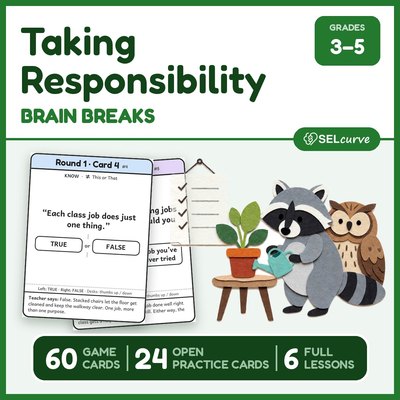
- 24 Open Practice Cards for any order and any number, from Move If cards to True or False checks
- A Detailed Script for Teachers, round by round, with a setup checklist, opening words, questions for each group of cards and a calm ending, plus a Movement Menu
- The Smart Screen Moves Poster with the six moves children practice, 17 Movement Cards, corner and Small/Big Room Signs and a Family Connection page


A look inside
Real pages, real moments
In the classroom
How to use these digital citizenship brain breaks
- 1No-prep break: grab 3–5 Open Practice Cards and read them exactly as printed; the class moves, sits back down and hears the Teacher says line.
- 2Full lesson: start from the Round Card, read the cards in order with the default moves from the Quick Start page, and play the rounds in order the first time.
- 3Before each round: the script’s Before You Start list covers room setup, partners and a word to preview, like pop-up or download.
- 4Make it yours: swap in movements that suit your room, stretch one round across two days, or write a prompt about your class screens on the Make Your Own card.
Printing and prep
Ready to print
- Each round prints on exactly 3 pages, with the Round Card first and a blank card last.
- US Letter, single-sided, Actual size (Fit to page on A4); color or black and white, with cardstock or lamination for all-year cards.
- For a first try, Round 1 and the four corner signs are all you need.
Questions teachers ask
FAQ
Do I need tablets or computers for these digital citizenship brain breaks?
No. Every screen in the game is pretend, so all you need are the printed cards and some open space or desks.
Will children be asked what they see online at home?
No. No card asks what children have seen online, who has contacted them or what they use at home. Cards about something yucky or strange use a pretend kid.
What if my kindergartners are new to this?
The guide’s Kindergarten Tip is to play just four or five cards the first time, after practicing the Freeze signal twice.
Does this game come in a Grades 3–5 edition?
Yes. The Grades 3–5 version adds digital footprints, passwords, source questions and naming the clue that means ask first.
More for Responsible Decision‑Making
See all in the library →

Try it in class this week
Start with the free Decision-Making Brain Breaks, or unlock it with Monthly.